ADA vs WCAG: The Law, the Standard, and Which Version You Need

Sidharth Nayyar
The short answer
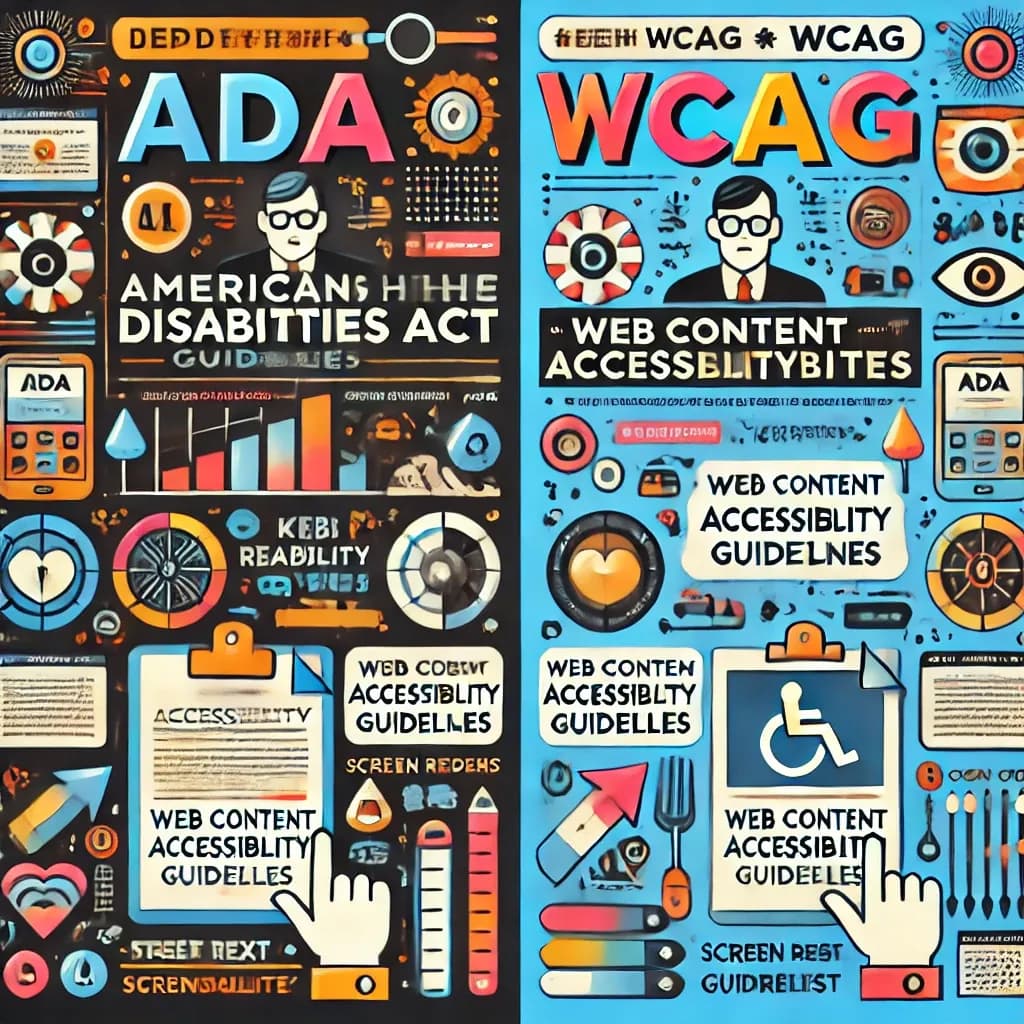
The ADA is a law. WCAG is a technical standard. The Americans with Disabilities Act says people with disabilities must get equal access to goods, services, and government programs. The Web Content Accessibility Guidelines say, one testable rule at a time, what an accessible web page actually looks like.
So the two don't compete. When a regulator, a court, or a demand letter asks whether your website meets the ADA, WCAG 2.1 Level AA is the measuring stick most often used, and for state and local governments it is now written into the rule itself.
If you want to see where your site stands against WCAG right now, run a free scan with the WebAbility website accessibility checker.
ADA vs WCAG at a glance
- What it is: The ADA is a federal civil rights law signed in 1990. WCAG is a technical standard published by the World Wide Web Consortium (W3C).
- Who writes it: The ADA comes from Congress, with regulations from the Department of Justice (DOJ). WCAG comes from the W3C's Accessibility Guidelines Working Group.
- What it covers: The ADA covers employment, state and local government, and businesses open to the public. WCAG covers web content, documents, and apps.
- How specific it is: The ADA's business title has no technical web rules. WCAG has testable success criteria at three levels: A, AA, and AAA.
- How it is enforced: The ADA is enforced through DOJ action and private lawsuits. WCAG has no enforcement of its own; it becomes binding when a law, regulation, or contract adopts it.
- Latest version: WCAG 2.2 became a W3C Recommendation in October 2023. Most US laws still point to WCAG 2.1 AA or WCAG 2.0 AA.
What the ADA requires from websites
The ADA never mentions websites, because it was written in 1990. Two parts of it now reach the web.
Title II: state and local government
In April 2024 the DOJ published a final rule under Title II that adopts WCAG 2.1 Level AA as the technical standard for the websites and mobile apps of state and local governments. That includes public schools, public universities, courts, transit agencies, and public hospitals.
An interim final rule published on 20 April 2026 set the compliance dates:
- 26 April 2027 for public entities serving a population of 50,000 or more.
- 26 April 2028 for public entities serving fewer than 50,000 people, and for special district governments.
Source: the DOJ's web accessibility rule page on ADA.gov. If you run a public entity, our ADA Title II guide walks through what to fix first.
Title III: businesses open to the public
Title III covers places of public accommodation, such as stores, restaurants, banks, hotels, and healthcare providers. There is no Title III regulation that names a WCAG version. The DOJ's March 2022 guidance on web accessibility says businesses have flexibility in how they make their sites accessible, and it points to WCAG as a helpful existing standard.
In practice, lawsuits and settlements usually measure a business website against WCAG 2.1 AA. That is our reading of how claims are framed, not a rule the DOJ has issued, so treat WCAG 2.1 AA as the safe target rather than a legal minimum. More on the ADA and your website.
What WCAG actually asks for
WCAG is built on four principles. Content must be:
- Perceivable: people can see or hear it, for example images have text alternatives and videos have captions.
- Operable: people can use it, for example every control works with a keyboard and nothing traps focus.
- Understandable: people can follow it, for example form errors are explained in plain text.
- Robust: assistive technology such as screen readers can read it reliably.
Each principle breaks down into success criteria, and each criterion sits at a level:
- Level A: the basics. Missing these blocks some users completely.
- Level AA: the level that laws and contracts use. It adds things like minimum color contrast and visible keyboard focus.
- Level AAA: the strictest level. The W3C does not recommend it as a requirement for entire sites, because some content cannot meet it.
See the full breakdown on our WCAG overview.
Which WCAG version each law points to
Version numbers matter, because a newer version adds criteria. Here is how the main laws line up:
- ADA Title II (US state and local government): WCAG 2.1 AA.
- ADA Title III (US businesses): no version in regulation; WCAG 2.1 AA is the common benchmark.
- Section 508 (US federal agencies and their vendors): WCAG 2.0 AA, through the 2017 refresh of the 508 standards. See our Section 508 guide.
- AODA (Ontario, Canada): WCAG 2.0 AA.
- European Accessibility Act (EU): applies from 28 June 2025 and is measured through the EN 301 549 standard, which references WCAG 2.1 AA.
WCAG versions are backward compatible. A site that meets WCAG 2.2 AA also meets 2.1 AA and 2.0 AA, so building to 2.2 covers every law on this list. Our WCAG 2.2 guide lists what 2.2 adds.
How common are WCAG failures?
Very common. The 2026 WebAIM Million report, which scans the home pages of the top one million websites, found detectable WCAG 2 failures on 95.9% of them, up from 94.8% in 2025 (source: WebAIM Million, accessed 2 November 2026). Automated scans only catch part of WCAG, so the real share of pages with problems is higher, not lower.
How to check your site against WCAG
- Run an automated scan. It finds the issues a machine can detect, such as missing alt text, low contrast, and empty links. Start with the free WebAbility checker.
- Test with a keyboard. Tab through every page. You should always see where focus is, and reach every link, button, and form field.
- Test with a screen reader. NVDA on Windows and VoiceOver on Mac and iPhone are free.
- Fix and document. Keep a record of what you found, what you fixed, and when. If you get a demand letter, that record shows good-faith effort.
- Get a manual audit for the parts automation misses. A WebAbility audit pairs scan results with human review.
FAQ
Is WCAG required by the ADA?
For state and local governments, yes: the DOJ's 2024 Title II rule adopts WCAG 2.1 AA, with compliance dates of 26 April 2027 and 26 April 2028 depending on population size. For private businesses, no regulation names WCAG, but it is the standard courts and settlements most often use.
What is the difference between ADA and WCAG?
The ADA is a civil rights law that requires equal access. WCAG is a technical standard from the W3C that defines what accessible web content looks like. The ADA sets the obligation and WCAG is how you measure whether a website meets it.
Which WCAG level do I need for the ADA?
Level AA. Title II names WCAG 2.1 AA, and it is the usual target for businesses under Title III. Level AAA is not expected for whole sites.
Should I use WCAG 2.1 or WCAG 2.2?
Build to WCAG 2.2 AA if you can. It includes everything in 2.1 AA, so it covers the Title II rule and leaves you ready if a law moves to the newer version.
Can a website meet the ADA without following WCAG?
For businesses under Title III, the law does not force a specific standard. In practice, WCAG is the only widely accepted way to show that a site is accessible, so skipping it leaves you with nothing to point to if someone files a claim.
Does an automated scan prove my site meets the ADA?
No. A scan finds a share of WCAG failures, which is a strong starting point. Keyboard testing, screen reader testing, and a manual audit cover the rest.
The bottom line
Treat the ADA as the reason and WCAG as the checklist. Aim for WCAG 2.1 AA at minimum, build to 2.2 AA where you can, and keep a record of your testing. Scan your site for free to see how far you are from that target.
Quick Questions
Tap to ask AI about this article