Loading
Documentation
Docs > 💵 Billing and Payments
Handling Payments and Changing your Plan
Welcome to the WebAbility Accessibility Enhancer! This guide will walk you through our billing portal and its features.
Billing Management Overview
- Access the Billing Portal
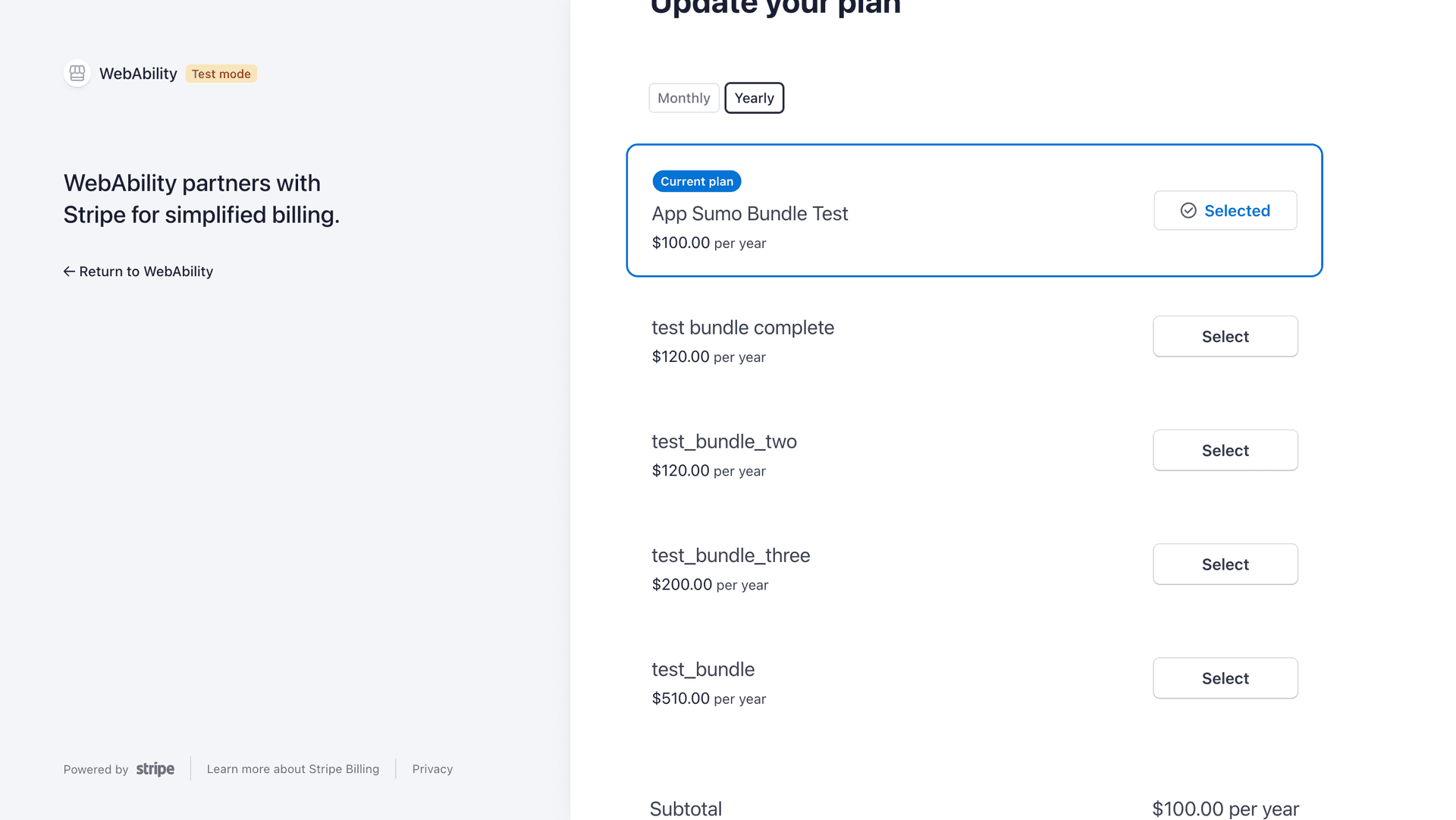
- Update your plan
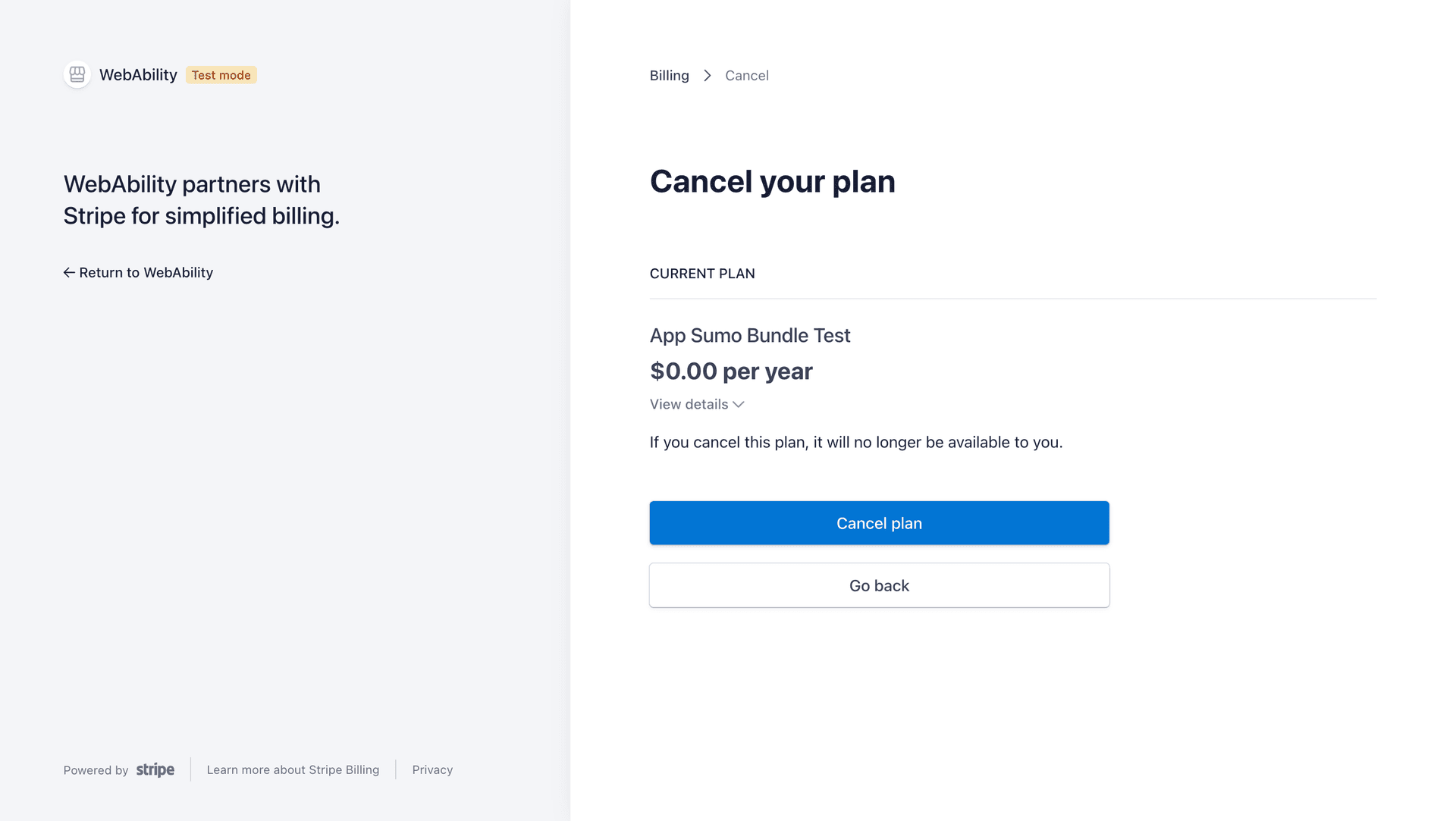
- Delete your plan
Payment & Subscription Management
1. Access the Billing Portal
Sign in at app.webability.io, click Sites and select the site. Open Settings > Plan & billing. Click Manage billing to open the Stripe billing portal, where you update your card and see your invoices.
Each paid plan covers one site. AppSumo lifetime plans have no billing to manage.
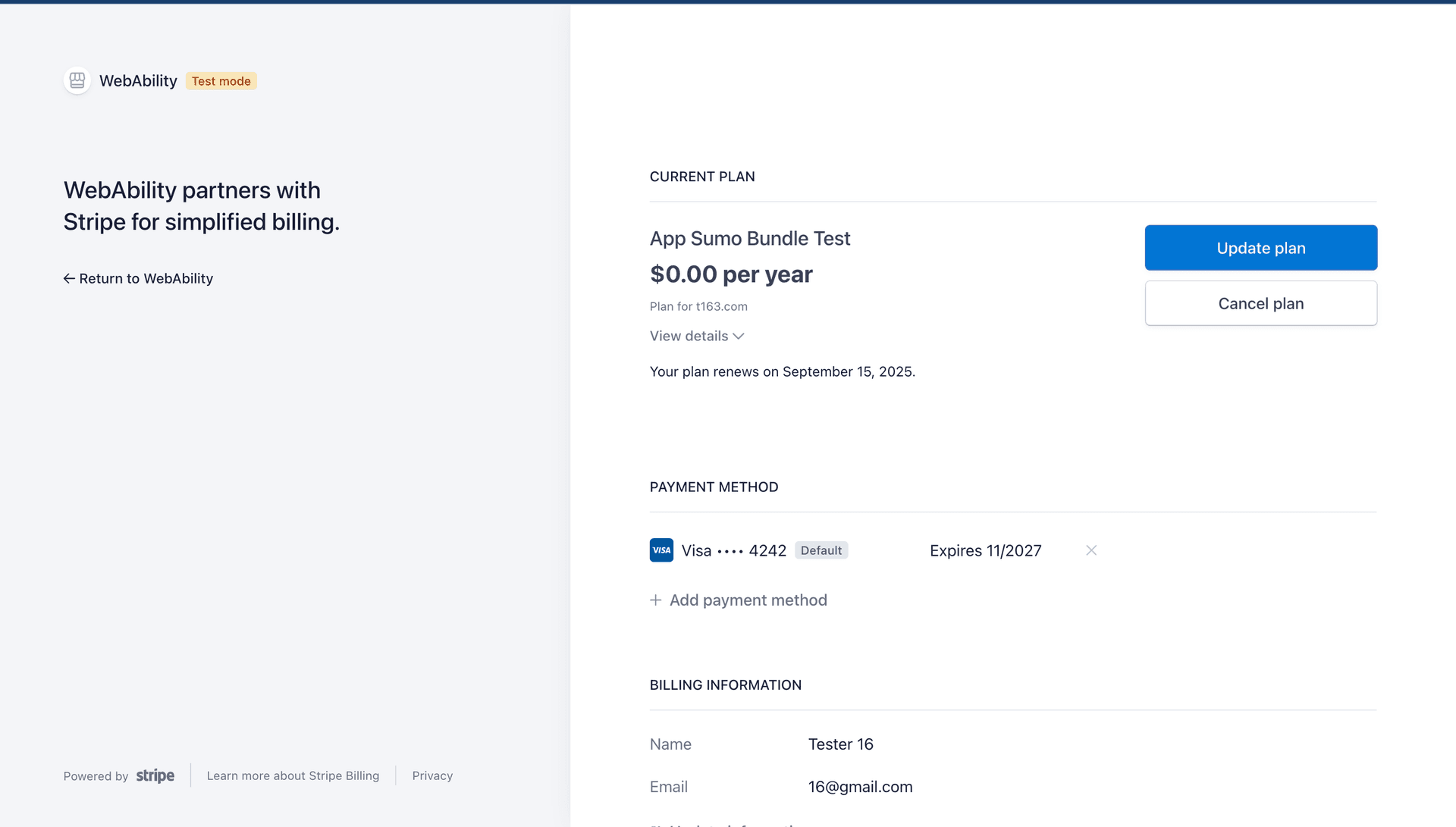
2. Update your Plan
You can choose to update your plan and choose from the list of available subscriptions
3.Delete your Plan
To cancel, click Update or cancel plan in Settings > Plan & billing, or choose Cancel subscription from the menu on the site row in the Sites list.