Loading
Need some help with installing WebAbility?
Find your answers here
How to install the WebAbility Accessibility Enhancer's embed code?
Install the WebAbility app, WebAbility Accessibility Enhancer on your BigCommerce store to make your store accessible for everyone. The app can be integrated seamlessly into your BigCommerce store with just a few clicks.
To install the WebAbility Accessibility Enhancer on BigCommerce
- On the WebAbility homepage, click Login in the top right corner, and log in to your account.
Go to Sites in the left menu and select your site.
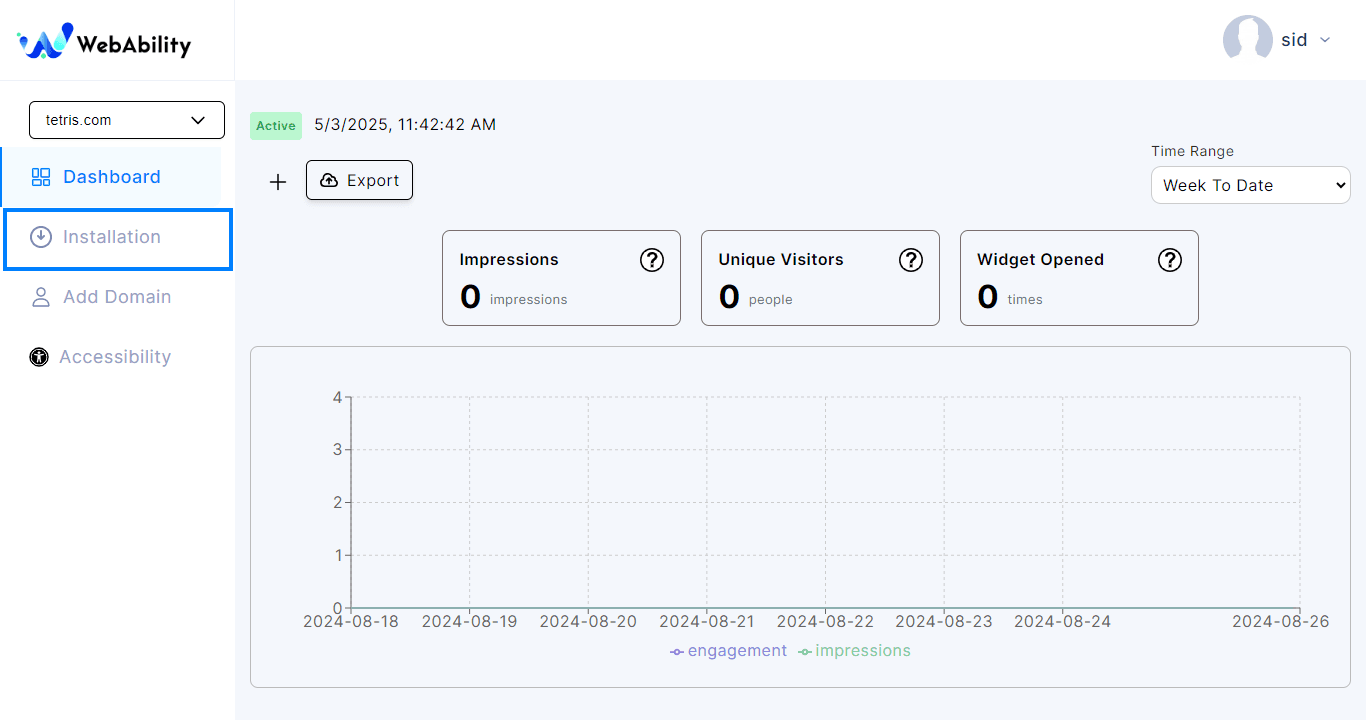
Settings > Installation - Install the WebAbility Accessibility Enhancer with our default settings and design to provide the best customer experience.
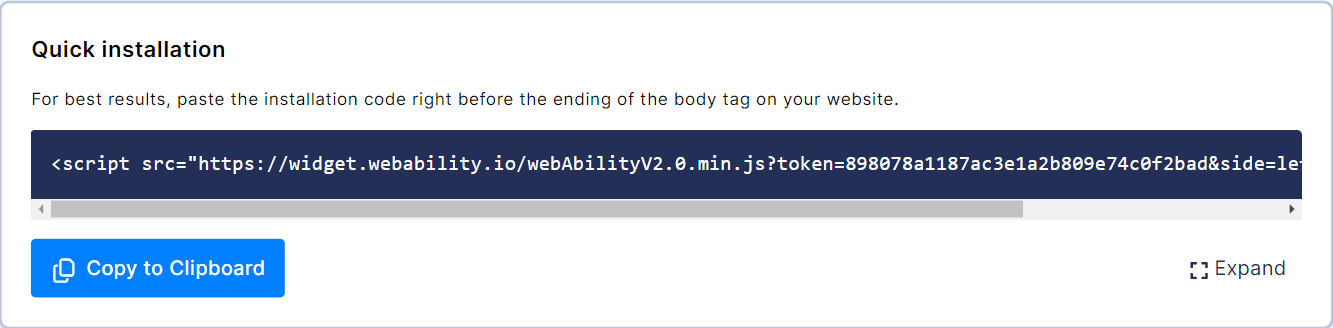
- Copy your own installation script from your WebAbility dashboard: Sites, select your site, Settings tab, Installation.
- Log in to your website builder and paste the copied code inside the footers menu of your website, or place it just before the closing body tag.
Note: Whichever installation method you use, make sure to read ourWebsite Onboarding Guideand follow the instructions carefully to get the WebAbility Accessibility Enhancer set up right and running smoothly.