AODA Compliance: Making Websites Accessible in Ontario
TL;DR
Ontario law requires organizations to make their websites accessible under the Accessibility for Ontarians with Disabilities Act (AODA). This means following WCAG 2.0 Level AA standards. Compliance not only avoids legal penalties but also builds inclusivity, trust, and better user experiences. Tools like Webability’s Accessibility Audit and Remediation Services help businesses achieve compliance faster.
Introduction
Accessibility is more than a requirement—it’s a responsibility. In Ontario, the Accessibility for Ontarians with Disabilities Act (AODA) mandates that businesses, nonprofits, and public organizations provide barrier-free online experiences. If your website isn’t AODA-compliant, you risk financial penalties and alienating a large portion of your audience.
This comprehensive guide explains what AODA compliance means, how to achieve it, and the best tools Webability offers to help you succeed.
What is AODA?
The Accessibility for Ontarians with Disabilities Act (2005) aims to make Ontario fully accessible by 2025. It covers five key areas:
- Customer Service
- Employment
- Information & Communications
- Transportation
- Design of Public Spaces
For websites, the Information & Communications Standard applies. This requires compliance with WCAG 2.0 Level AA guidelines—an internationally recognized framework for digital accessibility.
Why AODA Compliance Matters
- Legal Protection – Avoid fines (up to $100,000 per day).
- Inclusivity – Ensure equal access for users with visual, auditory, cognitive, or motor impairments.
- Brand Reputation – Show commitment to diversity and inclusion.
- Business Growth – Reach new customers who otherwise couldn’t use your site.
AODA Website Compliance Requirements
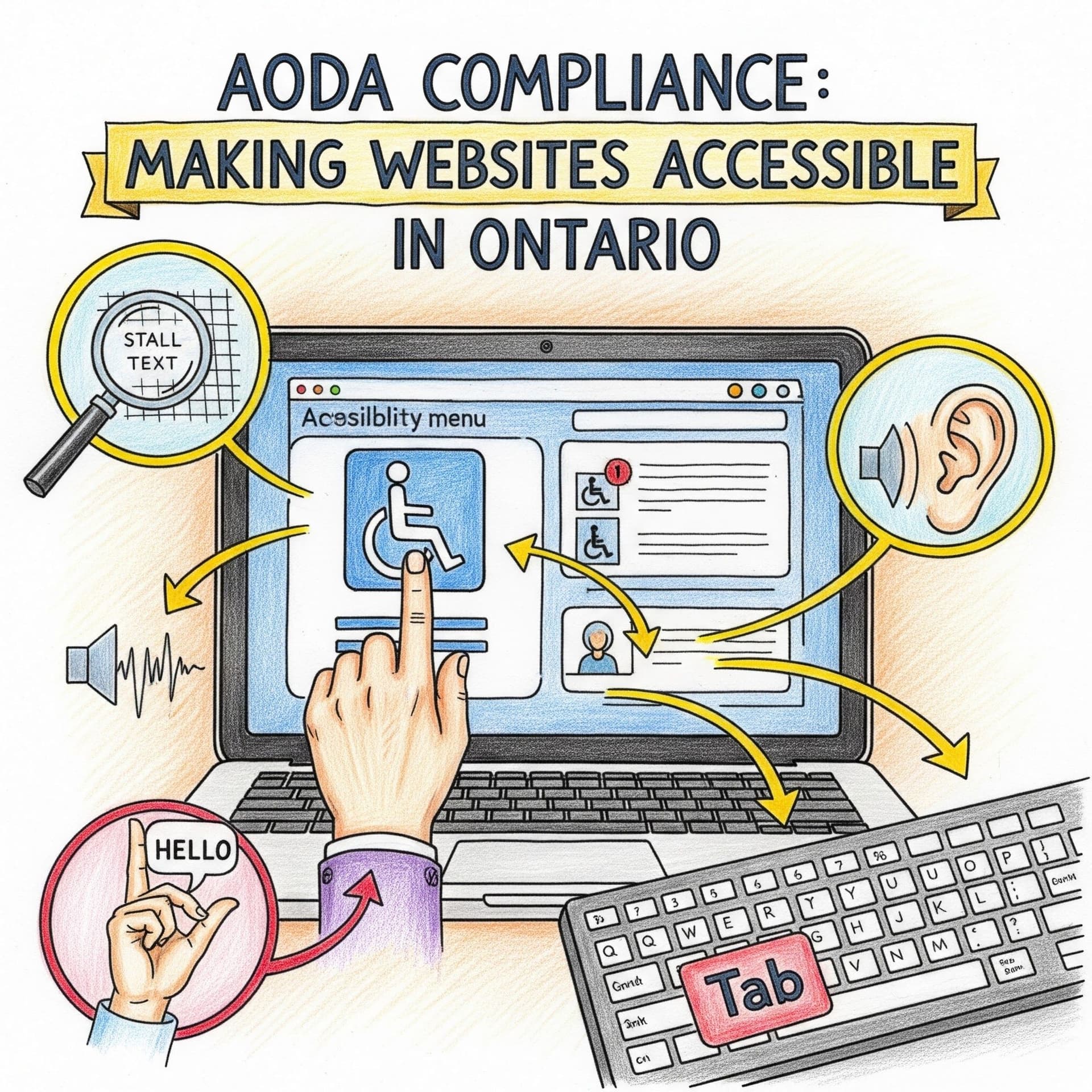
To meet compliance, organizations must follow WCAG 2.0 Level AA standards. This includes:
- Text Alternatives – Alt text for all images.
- Keyboard Navigation – Full site usability without a mouse.
- Contrast & Readability – High contrast and scalable fonts.
- Captions & Transcripts – For videos and audio.
- Error Prevention – Clear instructions and input validation.
By January 1, 2021, all public sector and large private-sector websites were required to be compliant.
How Webability Helps with AODA Compliance
At Webability, we provide end-to-end accessibility solutions:
- Accessibility Audit
Comprehensive scans of your site against AODA & WCAG 2.0 AA standards.
- Remediation Services
Fixing issues such as alt-text, contrast, forms, and keyboard navigation.
- Accessibility Monitoring
Continuous monitoring to keep your site compliant as it grows.
- Compliance Reports
Documentation that proves your compliance if regulators request proof.
Comprehensive Guide: Step-by-Step AODA Compliance
- Audit Your Website – Use Webability’s automated + manual audits.
- Prioritize Fixes – Focus on critical barriers first.
- Implement Changes – Adjust content, design, and code.
- Train Your Team – Ensure staff understand accessibility best practices.
- Maintain Compliance – Use ongoing monitoring and regular updates.
Conclusion
Making your website AODA-compliant is not just a legal obligation—it’s an opportunity to create a more inclusive, user-friendly experience for all. With Webability’s accessibility solutions, you can achieve compliance with confidence, avoid fines, and strengthen your digital presence.
Contact us at [email protected]
Visit us: www.webability.io
FAQs
1. Who needs to comply with AODA?
All public-sector organizations and private-sector organizations with 50+ employees in Ontario.
2. What is the deadline for compliance?
By January 1, 2021, all large organizations had to meet WCAG 2.0 Level AA standards.
3. How does Webability help businesses comply?
We provide audits, remediation, monitoring, and compliance reporting.
4. What happens if my website isn’t compliant?
You could face fines up to $100,000 per day, plus reputational damage.
5. Is AODA compliance the same as WCAG compliance?
AODA requires compliance with WCAG 2.0 Level AA standards.
Powered by Webability – Making the Web Accessible for Everyone
SOURCES
Quick Questions
Tap to ask AI about this article