Last updated: November 3, 2026
Assistive technology (AT) is any product, device, software or system that helps a person do something that a disability, an injury or age makes hard to do. The main types are screen readers, communication devices (AAC), hearing technology, mobility aids, cognitive aids, reading and learning tools, environmental controls, computer access tools, magnification and seating systems.
The World Health Organization calls assistive technology an umbrella term for assistive products and the services that go with them: assessment, fitting, training and repair. In US law, the Assistive Technology Act and IDEA use the same two parts, an AT device and an AT service. A wheelchair that nobody fitted, or a screen reader that nobody learned to use, does not help much.
According to the WHO, more than 2.5 billion people need one or more assistive products today, and about 3.5 billion will need them by 2050 as populations age.
The 3 levels of assistive technology: low, mid and high tech
Many schools and therapists sort assistive technology by how complex it is. This is the usual answer to the question "what are the 3 types of assistive technology?"
| Level | What it means | Examples |
|---|---|---|
| Low tech | Simple tools with no power or electronics. Cheap and easy to use. | Pencil grips, magnifying glasses, white canes, picture boards, large-print labels, reading guides |
| Mid tech | Battery-powered or simple electronic devices with few settings. | Talking calculators, digital recorders, simple switches, handheld video magnifiers, timers |
| High tech | Computer-based or specialized devices that need setup and training. | Screen readers, speech-generating AAC devices, eye-tracking systems, power wheelchairs, cochlear implants |
The level says nothing about value. A white cane is low tech and can matter as much to its user as any computer.
10 types of assistive technology, with examples
The WHO groups assistive products by the function they support: vision, hearing, communication, mobility, cognition and self-care. The ten types below follow those groups.
1. Screen readers
A screen reader turns the text and controls on a screen into speech or braille. People who are blind or have low vision use it to read websites, documents, email and apps. Instead of a mouse, the user moves through the page with keyboard commands or touch gestures, and jumps by headings, links, form fields and landmarks.
Built in: VoiceOver on Mac, iPhone and iPad, Narrator on Windows and TalkBack on Android are free.
Desktop: NVDA is a free, open-source screen reader for Windows. JAWS from Freedom Scientific is a paid option that many workplaces use.
Braille displays: refreshable braille displays connect to a screen reader and show the text as raised pins.
What it needs from a website: real headings, labeled form fields, alt text on images and buttons that a keyboard can reach. Without them, a screen reader announces "button" or "image" with no name. Our free accessibility checker finds many of these problems on a page.
2. Communication devices (AAC)
Augmentative and alternative communication (AAC) helps people who cannot rely on speech to communicate. Users select pictures, symbols, letters or words, and the device speaks the message. People with autism, cerebral palsy, ALS, aphasia after a stroke and many other conditions use AAC.
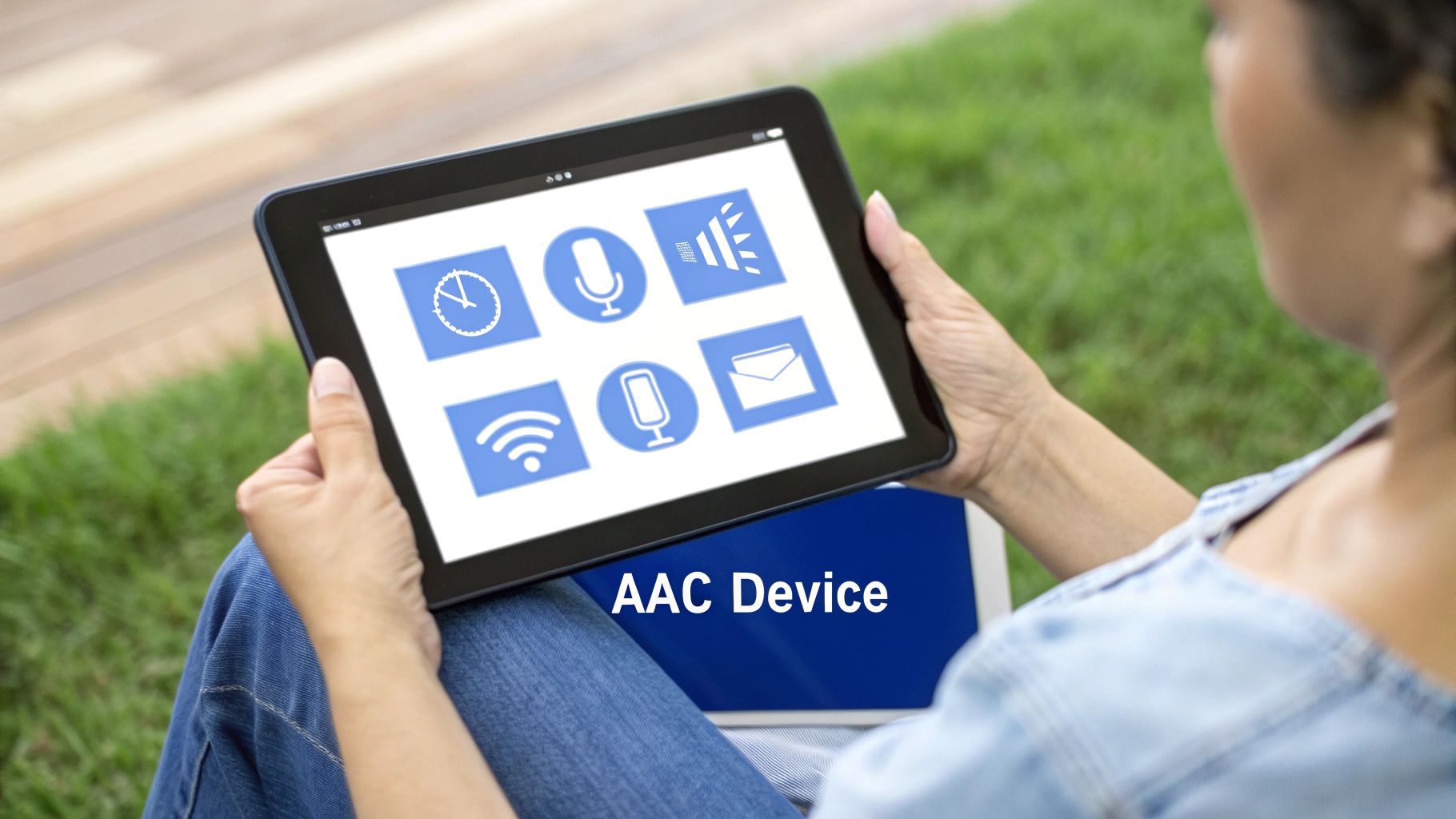
Low tech: picture boards and communication books.
Apps: Proloquo2Go is a symbol-based AAC app for iPad and iPhone.
Dedicated devices: Tobii Dynavox and PRC-Saltillo make speech-generating devices. PRC-Saltillo's LAMP Words for Life is a vocabulary system based on motor planning.
Many AAC users select items with a switch or with their eyes, so the same input rules as computer access tools apply.
3. Hearing aids and assistive listening devices
Hearing technology makes sound louder, clearer or visible. Hearing aids amplify sound for the wearer. Cochlear implants send sound signals to the hearing nerve for people with severe or profound hearing loss. Assistive listening systems send a speaker's voice directly to the listener, which removes distance and background noise.
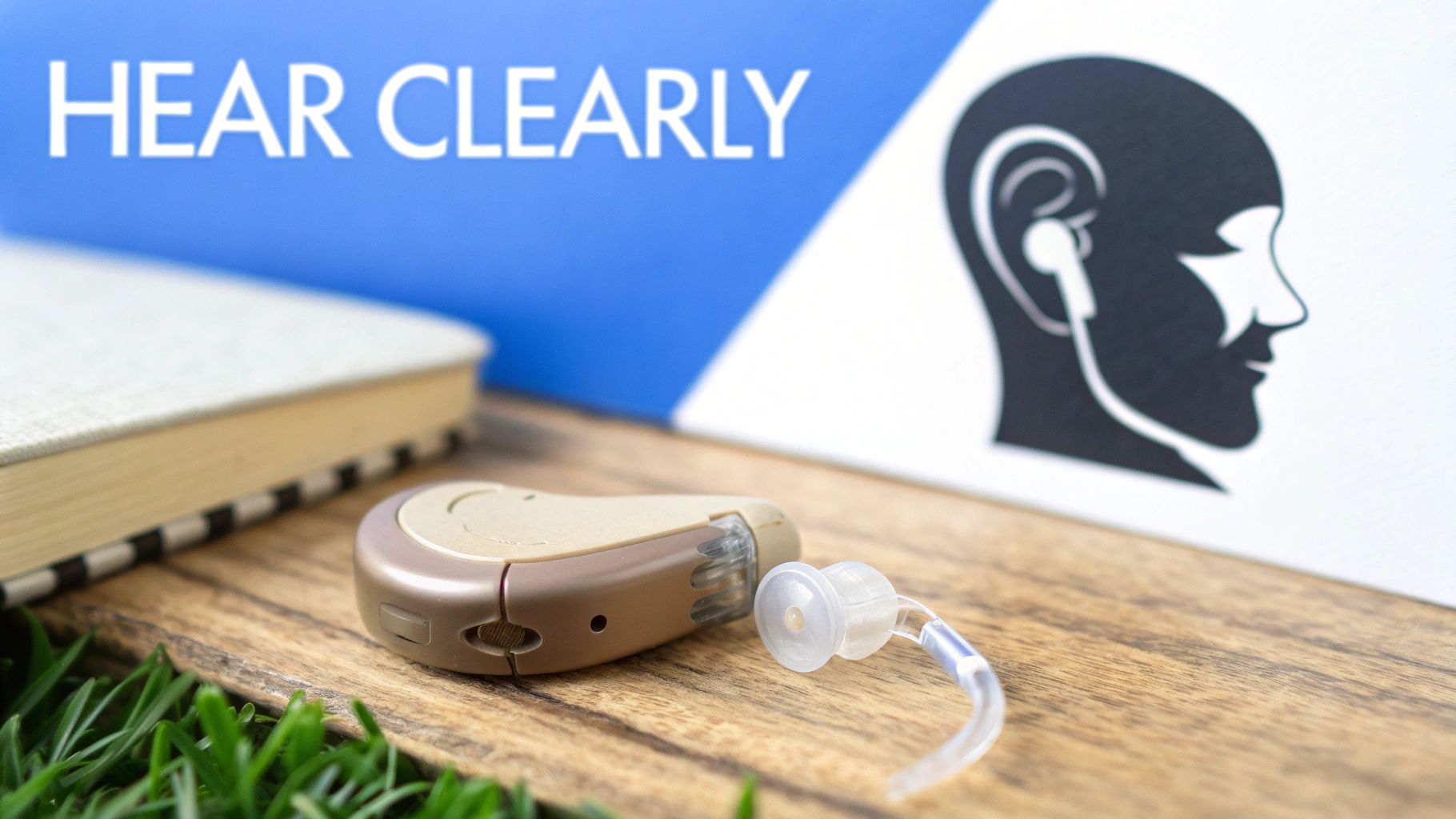
Hearing aids: Phonak and Oticon make prescription hearing aids that can stream audio from a phone. In the US, adults with mild to moderate hearing loss can also buy over-the-counter hearing aids without a prescription, under an FDA rule from 2022.
Cochlear implants: Cochlear is one of the main makers.
Assistive listening: hearing loops, FM and DM systems such as Phonak Roger, and infrared systems in theaters and classrooms.
Visual alternatives: captions, live transcription apps and flashing or vibrating alerts.
What it needs from a website: captions on video, transcripts for audio and no information that is given only by sound. See our guide to how websites can support people who are deaf or hard of hearing.
4. Mobility aids
Mobility aids help people walk, move and travel safely. They range from a simple cane to a power wheelchair that the user drives with a joystick, a head array or a sip-and-puff control.
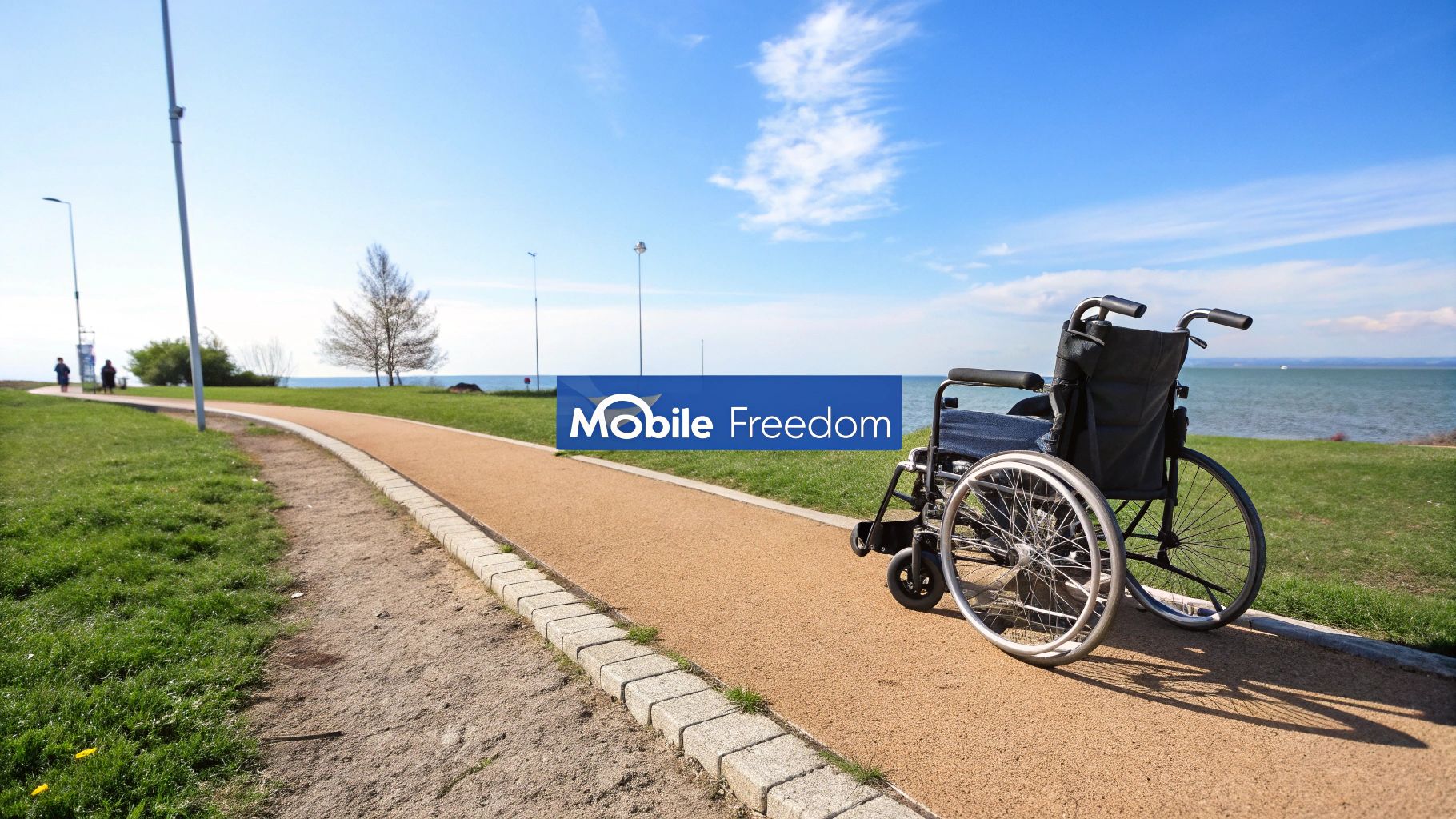
Walking aids: canes, crutches, walkers and rollators.
Manual wheelchairs: lightweight chairs such as Quickie for active users.
Power wheelchairs and scooters: Permobil and other makers offer power chairs with seat functions such as tilt and standing.
Prosthetics and orthotics: artificial limbs and braces.
A wheelchair needs a proper assessment and fitting. The WHO reports that of the 80 million people who need a wheelchair, only 5 to 35% have access to one, depending on the country.
5. Cognitive aids
Cognitive aids support memory, attention, planning and time management. People with dementia, brain injury, intellectual disability or ADHD use them to manage daily tasks with less help.
Reminders and schedules: phone calendars, voice assistants such as Siri and Alexa, and visual timers.
Medication support: automatic pill dispensers such as Hero that alert the user and, if needed, a caregiver.
Step-by-step prompts: picture schedules and task apps that break a routine into small steps.
Location and safety: GPS trackers and location sharing for people who may get lost.
What it needs from a website: plain language, a predictable layout, clear error messages and no time limits that cannot be extended. Read more about cognitive accessibility.
6. Reading and learning tools
Reading and learning tools help people with dyslexia, other learning disabilities or low vision read and write. They are some of the most common types of assistive technology in schools.
Text-to-speech: tools that read text aloud and highlight each word, such as Read&Write from Texthelp, Kurzweil 3000 and the built-in Immersive Reader in Microsoft apps.
Speech-to-text: dictation built into Windows, macOS, iOS, Android and Google Docs.
Note-taking: smartpens such as Livescribe that record audio and link it to written notes.
Writing support: word prediction, spell checkers and grammar tools.
These tools only work if the text is real text. A PDF that is only a scanned image of a page cannot be read aloud. Our guide on what makes a PDF accessible explains the difference.
7. Environmental controls and smart home devices
Environmental control systems let a person run lights, doors, heating, the TV and the phone from one interface. The user can control them by voice, a switch, a phone app or eye gaze. For a person with a spinal cord injury or advanced ALS, this can mean being alone at home safely.
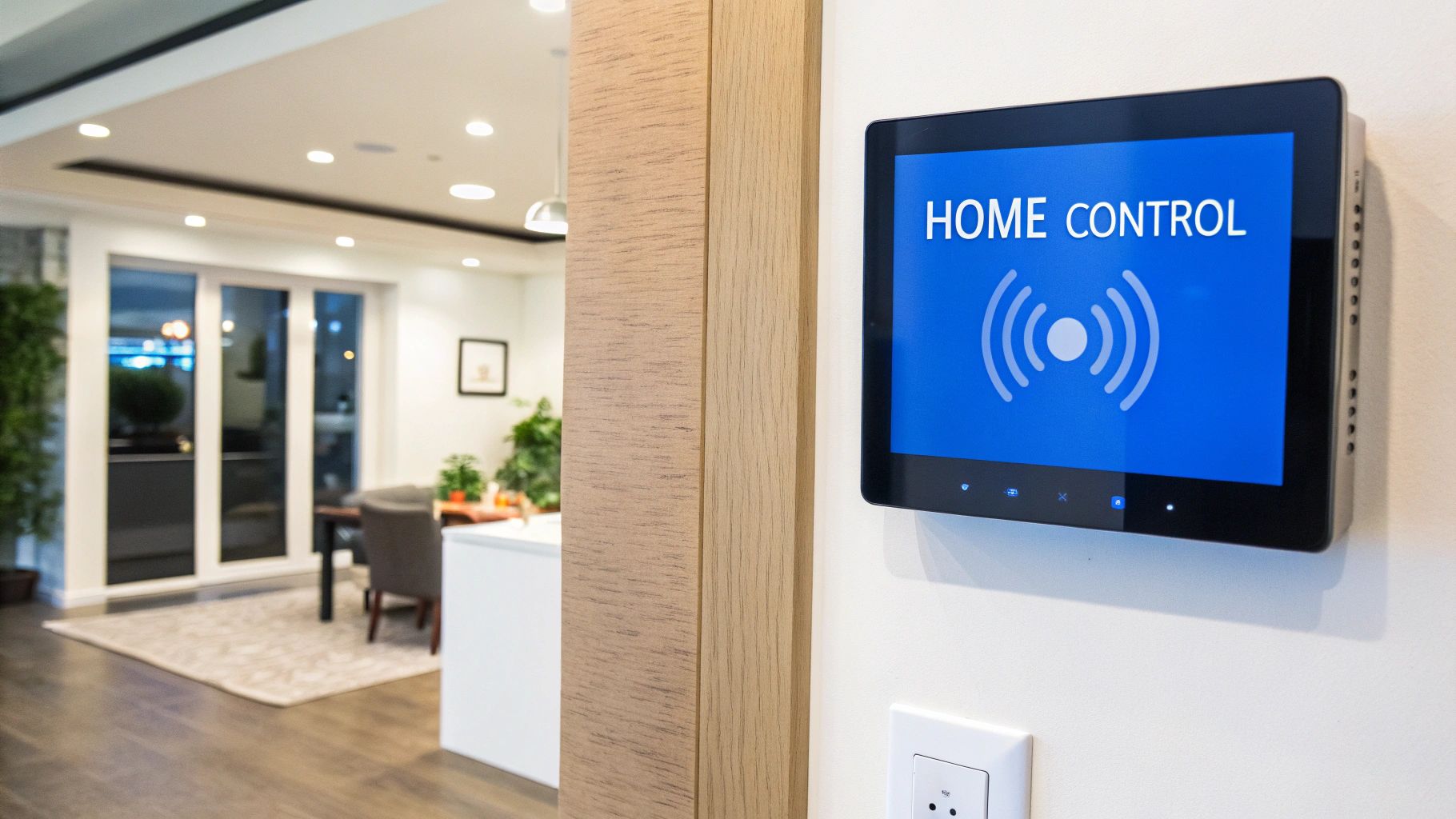
Voice hubs: Amazon Alexa, Google Home and Apple Home control smart plugs, lights, locks and thermostats.
Platforms: Samsung SmartThings connects devices from different brands. Control4 installs whole-home systems.
Safety: fall detection on the Apple Watch, medical alert buttons and door sensors.
Keep a manual or battery backup for door locks and alarms, in case the power or the internet goes down.
8. Computer access tools
Computer access tools replace the standard keyboard and mouse for people with limited hand use, tremor, repetitive strain injury, cerebral palsy or ALS.
Voice control: Voice Access in Windows 11, Voice Control on Mac and iPhone, and Dragon speech recognition let a person dictate text and operate the computer by voice.
Eye tracking: Tobii Dynavox systems move the pointer with the eyes and click by dwelling on a target.
Head pointing: head mice, such as the HeadMouse from Origin Instruments, move the pointer with head movement.
Switches: AbleNet and others make switches that the user presses with a hand, head or foot to scan and select items on screen.
Alternative keyboards: large-key, one-handed and on-screen keyboards.
What it needs from a website: every control must work with a keyboard, focus must be visible, and targets must be large enough to hit. Voice users say the name of a button they see, so the visible label must match the accessible name. See our keyboard navigation entry.
9. Magnification and low vision aids
Magnification tools make text and images larger for people who have some usable vision. Many low vision users also change colors and contrast, or combine magnification with speech.
Screen magnifiers: Windows Magnifier, Zoom on macOS and iOS, and paid software such as ZoomText from Freedom Scientific.
Video magnifiers: desktop and handheld electronic magnifiers (often called CCTVs) that show printed text on a screen.
Phone apps: the Magnifier app on iPhone and camera-based apps that read text aloud.
Optical aids: handheld and stand magnifiers and special glasses.
What it needs from a website: text that can be resized to 200% with no loss of content, and a layout that reflows into one column at 400% zoom, without sideways scrolling. These are WCAG success criteria 1.4.4 and 1.4.10.
10. Seating and positioning systems
Seating and positioning systems keep the body aligned, spread pressure and give stable support. For a full-time wheelchair user they help prevent pressure sores, pain and long-term posture problems, and they make it easier to breathe, eat and use the hands.
Pressure relief cushions: air cushions such as ROHO, and gel and foam cushions such as JAY from Sunrise Medical.
Custom seating: molded seats from makers such as Ride Designs.
Pediatric positioning: adjustable systems from makers such as Stealth Products that change as a child grows.
An occupational or physical therapist should assess the user before purchase and check the fit regularly.
Who needs assistive technology most?
The WHO says assistive technology is most needed by:
older people
children and adults with disabilities
people with long-term health conditions, such as diabetes, stroke and dementia
Most people will need assistive technology at some point in their lives, often for a short time after an injury or an illness. Most users also use more than one product. For example, a person with low vision may use a screen magnifier at work, a white cane outside and a talking watch at home.
Access is not equal. The WHO and UNICEF Global Report on Assistive Technology (2022) found that as few as 3% of people in some low-income countries have the products they need, compared with 90% in some high-income countries.
Assistive technology and websites
Many types of assistive technology are useful only when the content is accessible too. A screen reader cannot announce an unlabeled button, a switch user cannot reach a menu that opens only on mouse hover, and a magnifier user cannot read a page that breaks at 400% zoom.
The Web Content Accessibility Guidelines (WCAG) describe what a website must do to work with assistive technology. In the United States, the ADA Title II rule requires state and local governments to meet WCAG 2.1 AA, with compliance dates of April 26, 2027 for larger entities and April 26, 2028 for smaller ones. Federal agencies follow Section 508.
To see how your site works with assistive technology:
Run a free scan with the WebAbility accessibility checker to find missing labels, alt text and contrast problems.
Put the mouse away and use the site with only the Tab, Enter, Space and arrow keys.
Turn on VoiceOver or NVDA and listen to one important page, such as checkout or a contact form.
Zoom the browser to 200% and then 400%, and check that nothing is cut off.
Frequently asked questions
What are the 3 types of assistive technology?
Assistive technology is often grouped into three levels: low tech (simple tools with no power, such as pencil grips or magnifying glasses), mid tech (simple electronic devices, such as talking calculators) and high tech (computer-based or specialized devices, such as screen readers, AAC devices and power wheelchairs).
What are examples of assistive technology?
Common examples are screen readers, braille displays, AAC devices, hearing aids, cochlear implants, captions, wheelchairs, walkers, prosthetic limbs, text-to-speech software, voice control, eye-tracking systems, screen magnifiers, pill dispensers and pressure relief cushions.
Who is assistive technology most needed by?
According to the WHO, assistive technology is most needed by older people, children and adults with disabilities, and people with long-term health conditions such as diabetes, stroke and dementia.
What is high tech assistive technology?
High tech assistive technology is computer-based or specialized equipment that usually needs setup and training. Examples are screen readers, speech-generating AAC devices, eye-tracking systems, voice control software, power wheelchairs and cochlear implants.
Is assistive technology only for people with disabilities?
No. Many people use assistive technology after an injury or an illness, or as they age. Glasses, captions and voice assistants are assistive technology too, and many people use them without a diagnosis.
Is assistive technology the same as accessibility?
No, but they depend on each other. Assistive technology is the tool a person uses. Accessibility is how a website, document, building or product is designed so that the tool can work with it.