How to Measure the Success of Your Web Accessibility Efforts
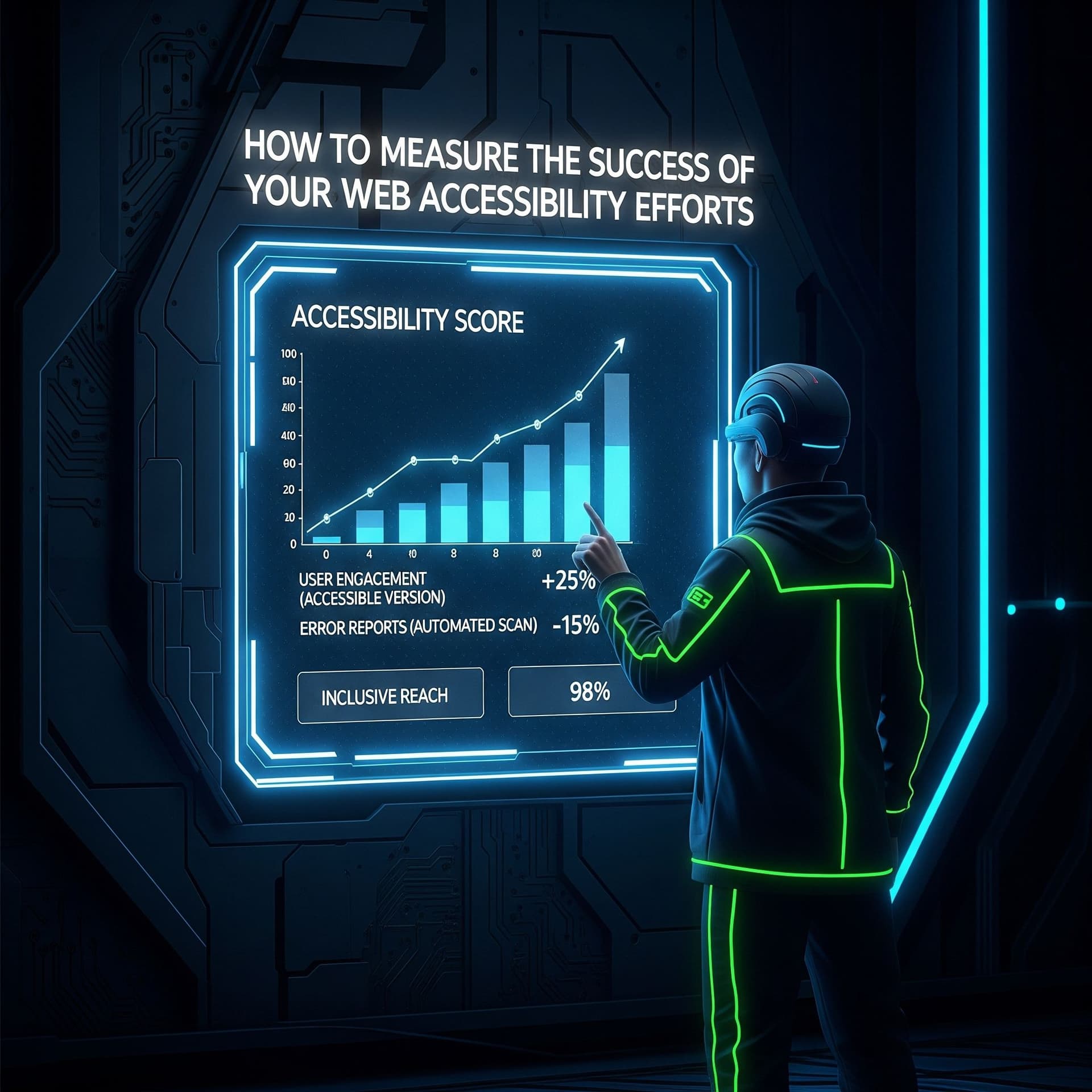
Measure the success of your Web Accessibility Efforts
Web accessibility is more than a compliance requirement—it ensures that your website can be used by everyone, including people with disabilities. Implementing accessibility features is important, but knowing whether your efforts are effective is crucial. Measuring the success of your accessibility initiatives allows you to identify gaps, improve user experience, and demonstrate your commitment to inclusivity. In this guide, we’ll cover practical methods, tools, and strategies to track and evaluate your accessibility performance effectively.
1. Conduct Regular Accessibility Audits
An accessibility audit evaluates your website against recognized standards like WCAG 2.1. Regular audits help identify both existing and emerging issues.
Tools recommended by Webability:
- Webability Checker – A comprehensive tool that identifies accessibility gaps and suggests actionable fixes.
- axe Accessibility – Detects WCAG violations and provides detailed reports.
- WAVE – Offers visual feedback on accessibility issues across pages.
Audits should be scheduled at least twice a year and whenever you release significant updates.
2. Collect User Feedback
Direct feedback from users, especially those using assistive technologies, provides insight beyond automated testing.
Ways to gather feedback:
Feedback forms specifically for accessibility issues.
- Surveys targeting users with disabilities.
- Usability testing sessions with diverse participants.
- User input helps prioritize improvements and ensures real-world usability.
3. Analyze Web Analytics for Accessibility Insights
Web analytics can reveal user behavior trends that indicate accessibility challenges.
Metrics to monitor:
- Bounce rates on interactive pages like forms or checkouts.
- Task completion rates for essential actions.
- Heatmaps showing where users may struggle with navigation.
By analyzing these metrics, you can identify friction points and refine your accessibility features.
4. Test with Assistive Technologies
Testing with real assistive tools ensures your site works as intended for all users.
Key tools:
- NVDA – Free screen reader for Windows.
- VoiceOver – Built-in screen reader for Apple devices.
- JAWS – Advanced screen reader for Windows professionals.
Simulating actual user scenarios helps uncover issues that automated tools often miss.
5. Set and Track Accessibility KPIs
Key Performance Indicators (KPIs) provide measurable evidence of accessibility improvements.
Examples:
- Number of accessibility issues resolved per month.
- Percentage of pages fully WCAG compliant.
- User satisfaction ratings from visitors with disabilities.
Tracking KPIs over time ensures continuous improvement and accountability.
6. Leverage Webability Tools for Continuous Monitoring
Webability offers tools and services designed to help organizations maintain accessibility effortlessly:
- Webability Dashboard – Monitors accessibility compliance across your site in real time.
- Accessibility Reports – Provides actionable insights and progress tracking.
- Training & Resources – Guides teams on accessibility best practices.
These tools make it easier to integrate accessibility monitoring into your regular workflow.
Conclusion
Measuring the success of your web accessibility efforts requires a combination of audits, user feedback, analytics, assistive technology testing, KPIs, and specialized tools like Webability. Regular evaluation ensures your website remains inclusive, enhances user experience, and stays compliant with accessibility standards. Accessibility is an ongoing commitment, and monitoring your progress ensures your site continues to meet the needs of all users.
FAQs
Q1: How often should accessibility be audited?
At a minimum, twice a year, or whenever major website updates are made.
Q2: Can automated tools alone measure accessibility success?
No. While they catch many issues, manual testing and real user feedback are essential for a complete picture.
Q3: What KPIs are most important?
Track issue resolution rates, WCAG compliance percentage, and user satisfaction from people with disabilities.
Q4: How can Webability help track accessibility?
Webability provides dashboards, reports, and resources that make monitoring compliance simple and actionable.
Q5: Is accessibility a one-time task?
No. It is an ongoing process that requires continuous evaluation and updates to ensure all users can access your content seamlessly.
SOURCES
Quick Questions
Tap to ask AI about this article